

Having difficulty reading our digital edition? If the pages look too small on your screen, try these steps: 1. Try zooming in directly on the viewer At the bottom of the screen, look for the + button (see screenshot above). Click the + to make the page larger. You can also press: Windows: Hold Ctrl…
Related Posts
Thank You (New Year, new price)
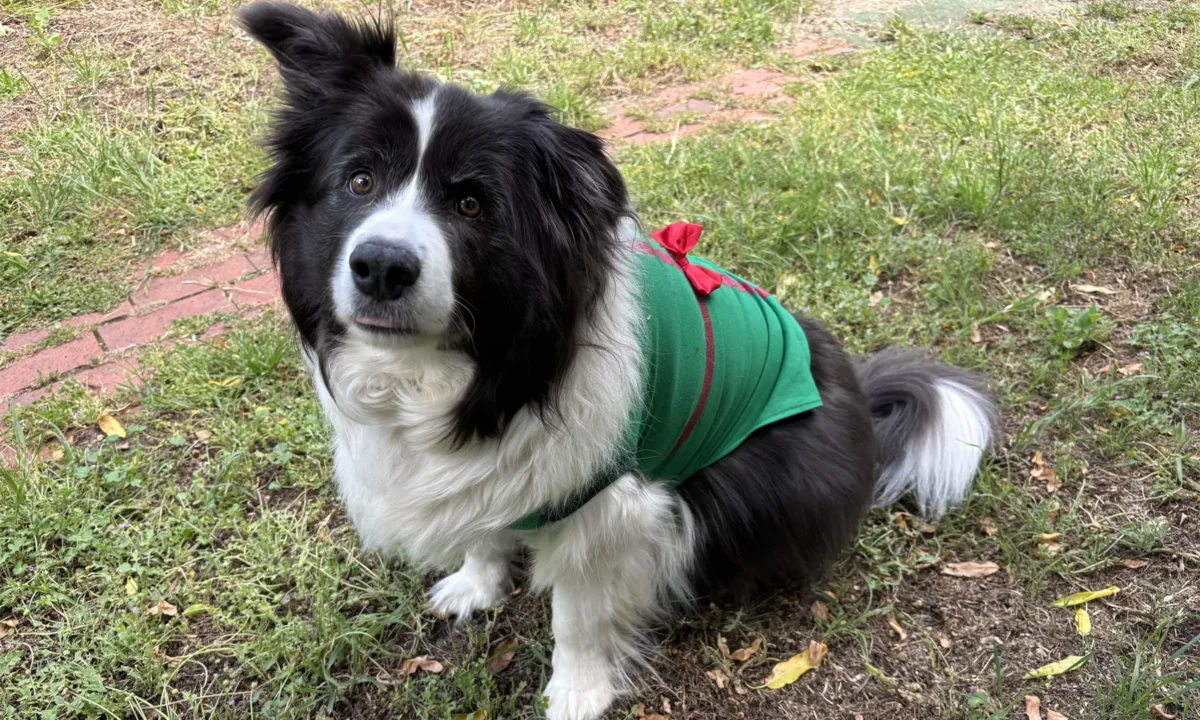
Coconut enjoys Christmas fashion but prefers food from Carnegie Deli. The Tarrangower Times wishes readers a calm and peaceful festive season, knowing that it can come with mixed or heightened feelings for many people and pets. Whether you are trimming a tree or lighting candles, sharing gifts or preparing a feast; we hope it is…
Library news
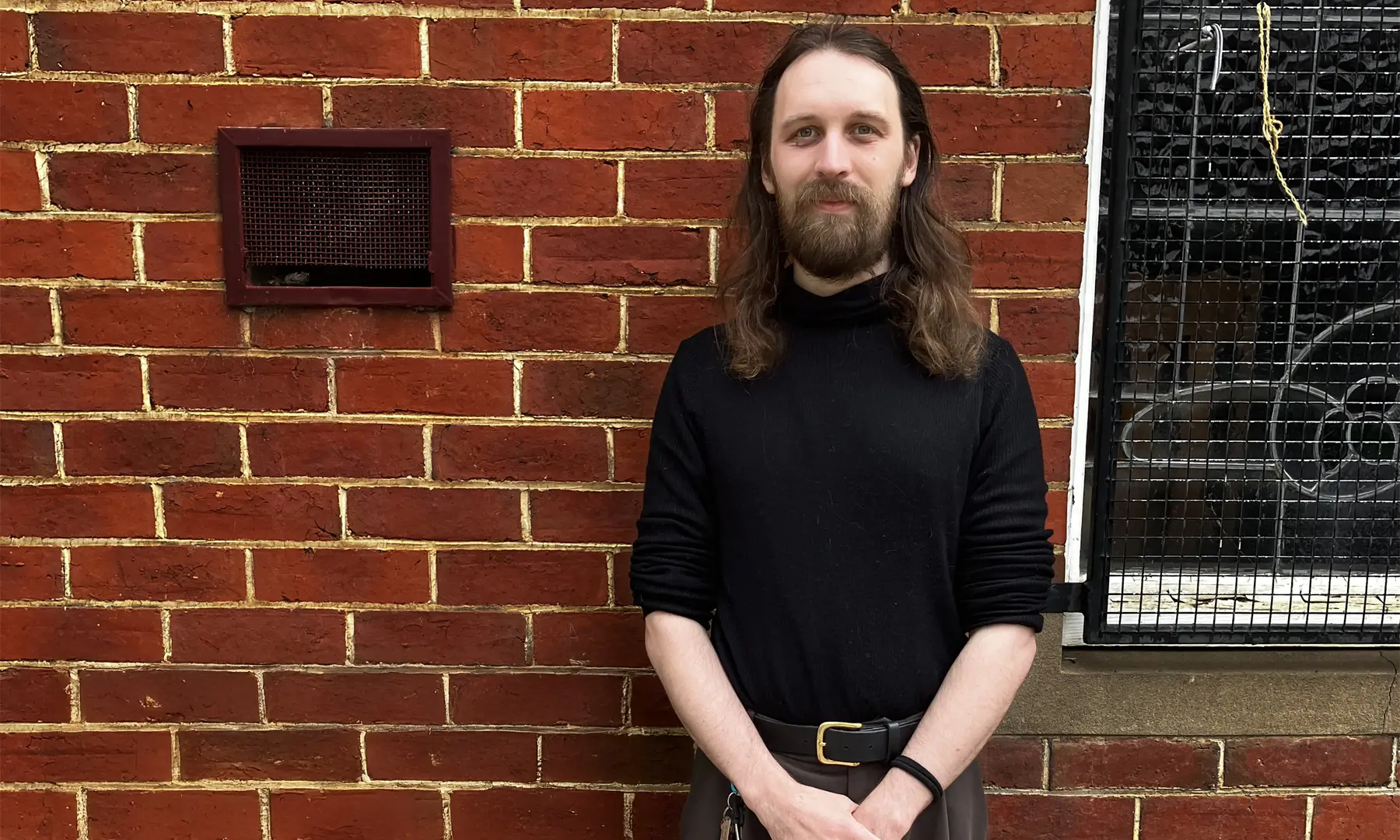
World Press Freedom Day Tristan Jacobson, a future librarian. This year the theme for World Press Freedom Day is Reporting in the Brave New World – The Impact of Artificial Intelligence on Press Freedom and the Media. The day marks the anniversary of the 1991 Windhoek Declaration, a statement of free press principles. The declaration…

Celebrating local newspapers
World News Day on Saturday 28 September is a fitting moment to highlight the vital role that local journalism plays in sustaining rural communities.